
Displaying the Scoreboard on Another Screen
Once you have checked the roster and you are in the 'in-game' view, click the scoreboard button to open a new window that displays the clock and result.

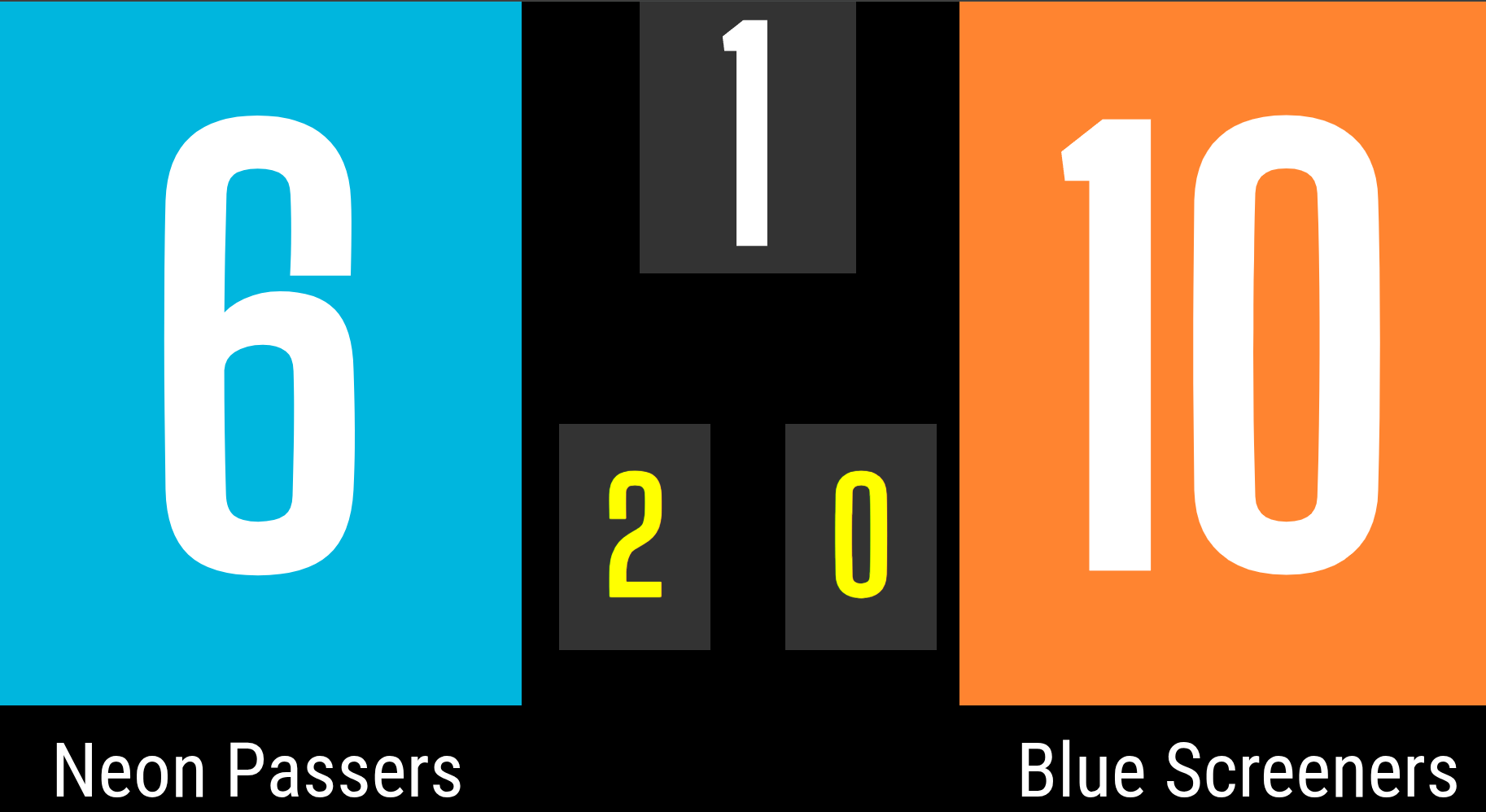
The scoreboard with the match clock displays the period, the time remaining in the period, the score, and the number of fouls.

If the game clock must be fixed, click Fix and then adjust the time by clicking the up and down arrows.


Opening the scoreboard from the match view
From the small scoreboard in the top left corner (e.g. 25–38), you can open a separate scoreboard view. This can be used, for example, on a second screen.

The scoreboard shows:
- Score
- You can switch the home and away team order by clicking the score
-
Opening the scoreboard on another device
Once the match setup is complete, you can open the scoreboard on another device.
- Log in to Basketboard on the other device
- Select the same court and match
- Open the scoreboard view
-
